
Personal finance for the AI era
Your money, on your terms.
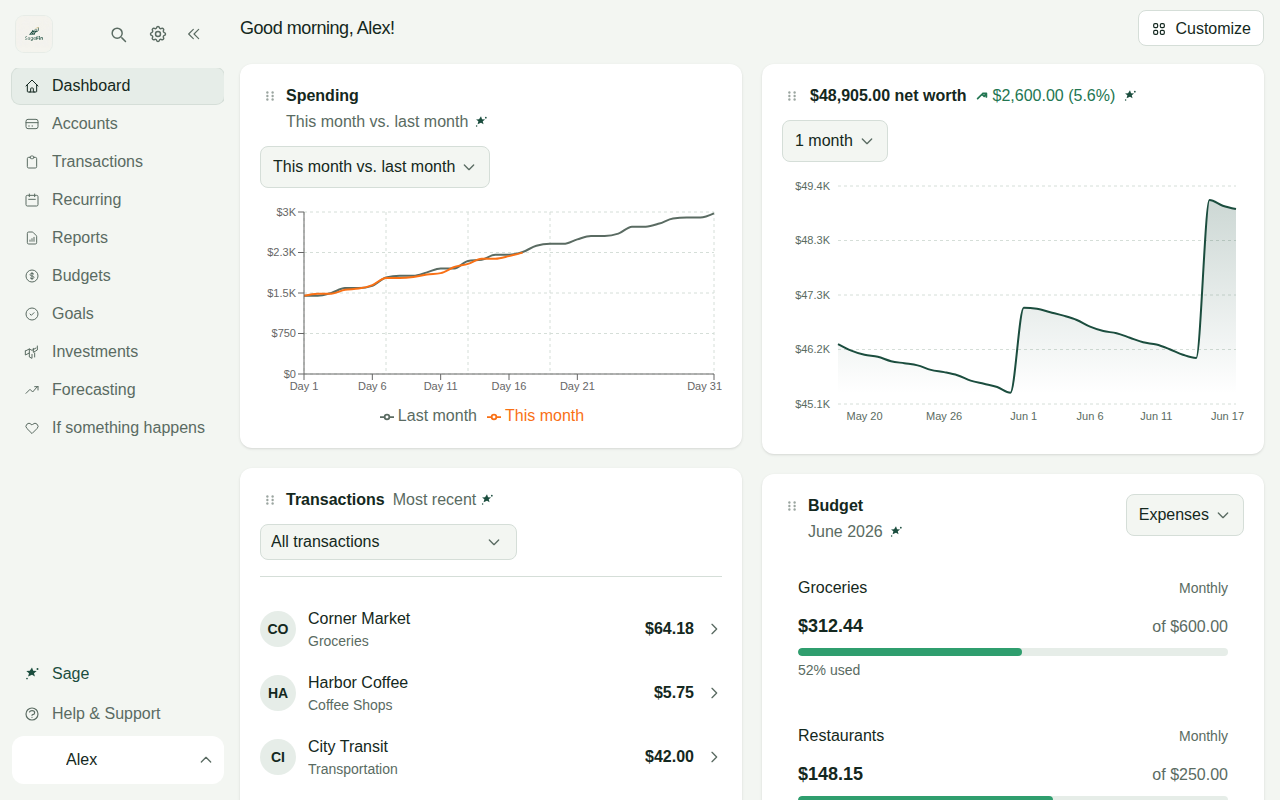
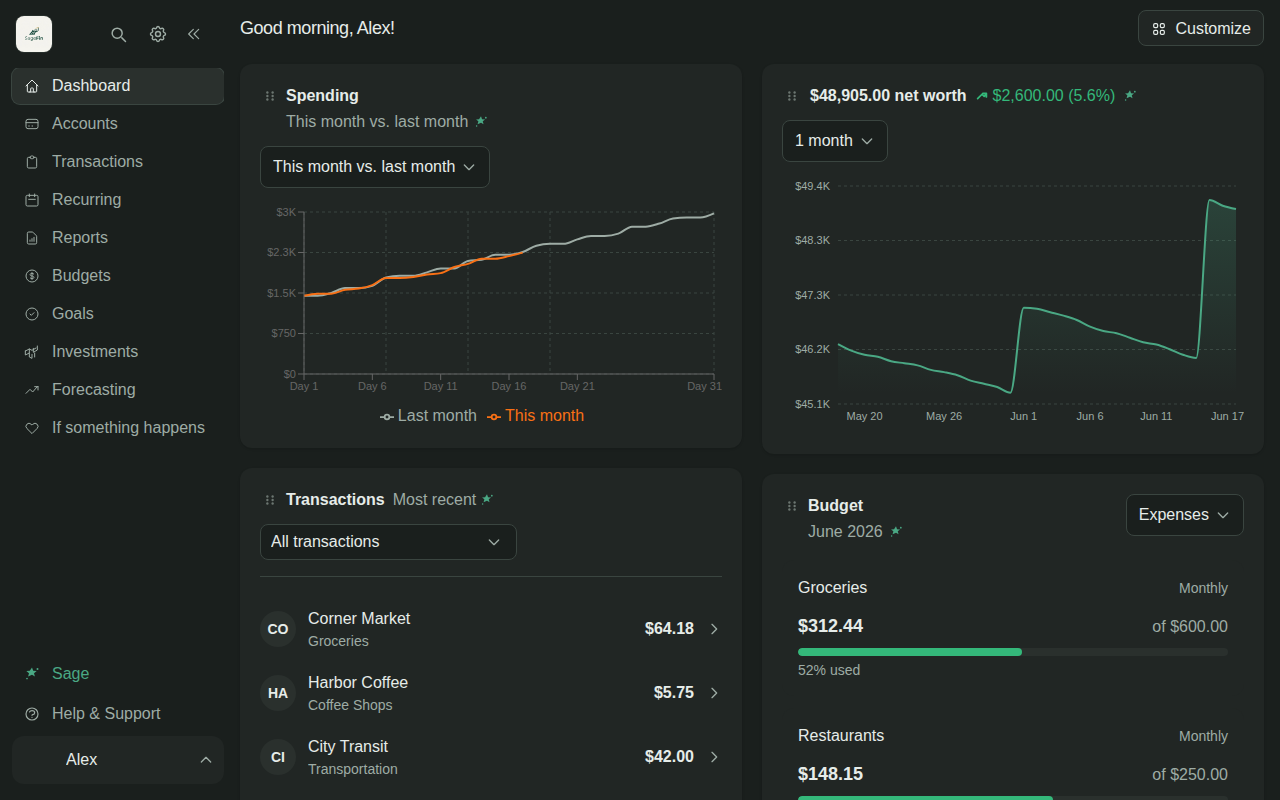
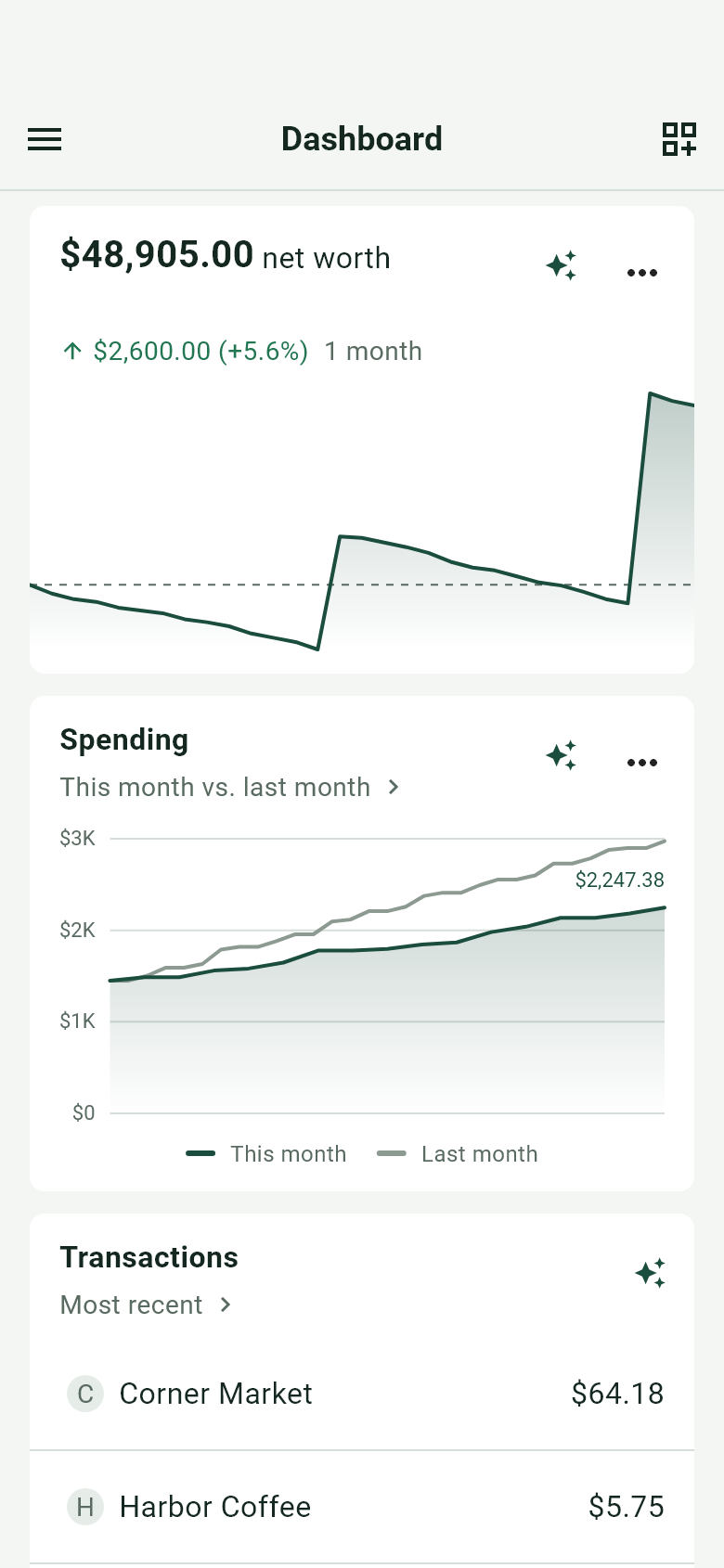
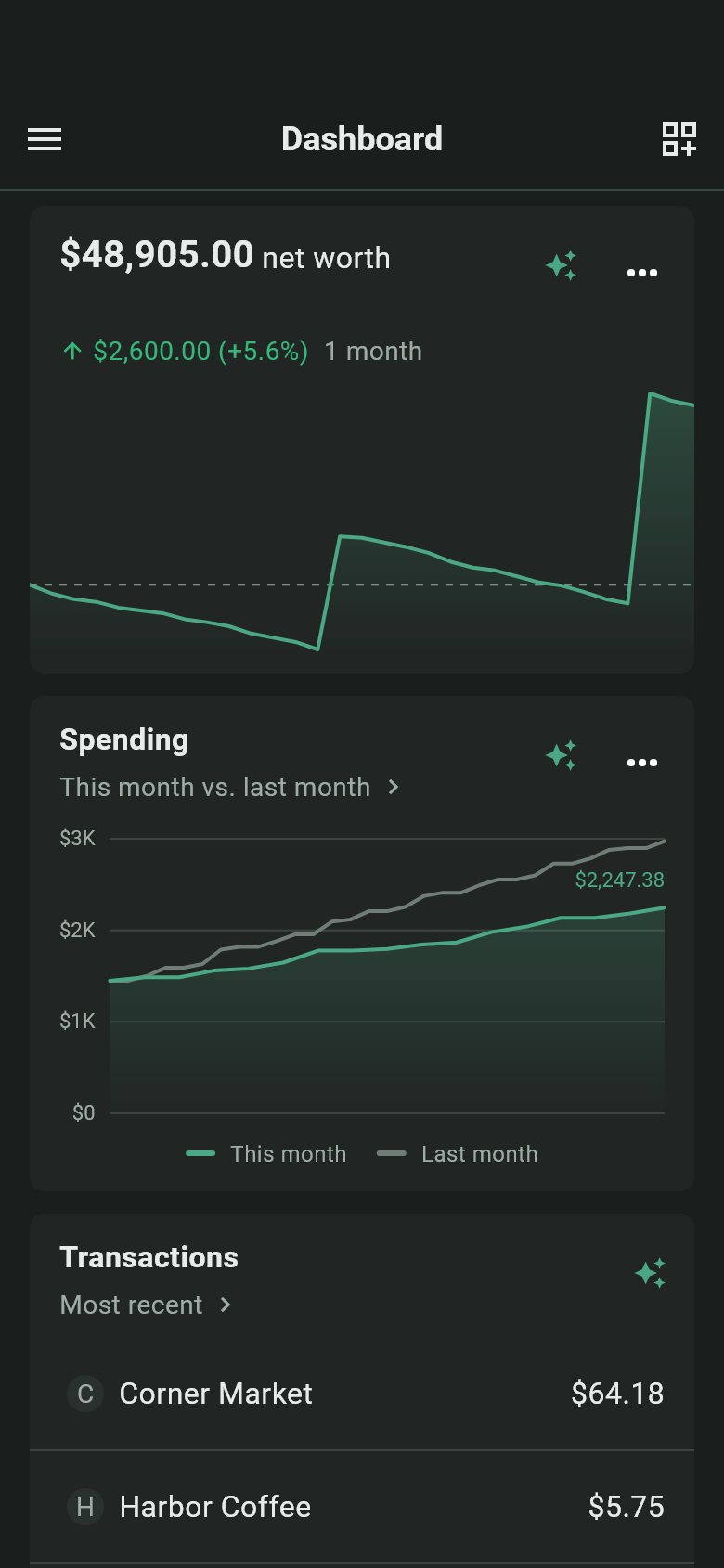
Everything your household's money is doing, in one place. Use the built-in AI or bring your own, plug in the tools you already use, and see exactly how every number was calculated.
Sign-ups are not open yet. There is no waiting list and no date to give you.
Your model
Works out of the box, or runs on your own key.
Your tools
Claude, Cursor or something you wrote can read your data, with a token you create.
At a glance
Everything a household needs to manage its money.
SageFin is a full personal-finance app. All of this works with no key and no token.
Accounts and net worth
Every account in one list, and what they add up to.
Spending
Where the money went, sorted into categories for you.
Budgets
A budget per category, filled in from what you already spend.
What repeats
Subscriptions and bills, found and listed with what is next.
Investments
What you hold, what it is worth, and the shape of it.
Reports
Cash flow, spending, income, net worth over time. Or build your own.
A forecast
Where your money is headed, with the assumptions on show.
Shared with a household
You and your partner see the same accounts and the same budgets.
Built around AI
Then ask for what you want, in a sentence.
These are recordings of the app itself, on an invented household.
Sage
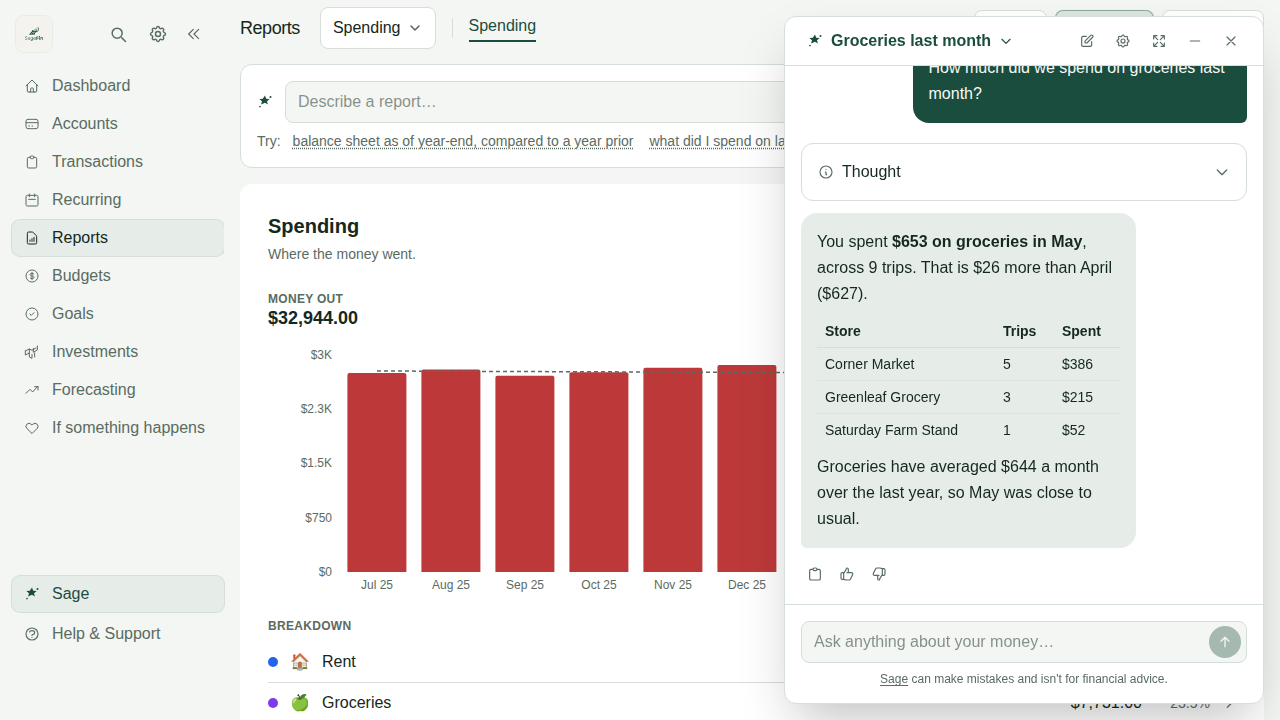
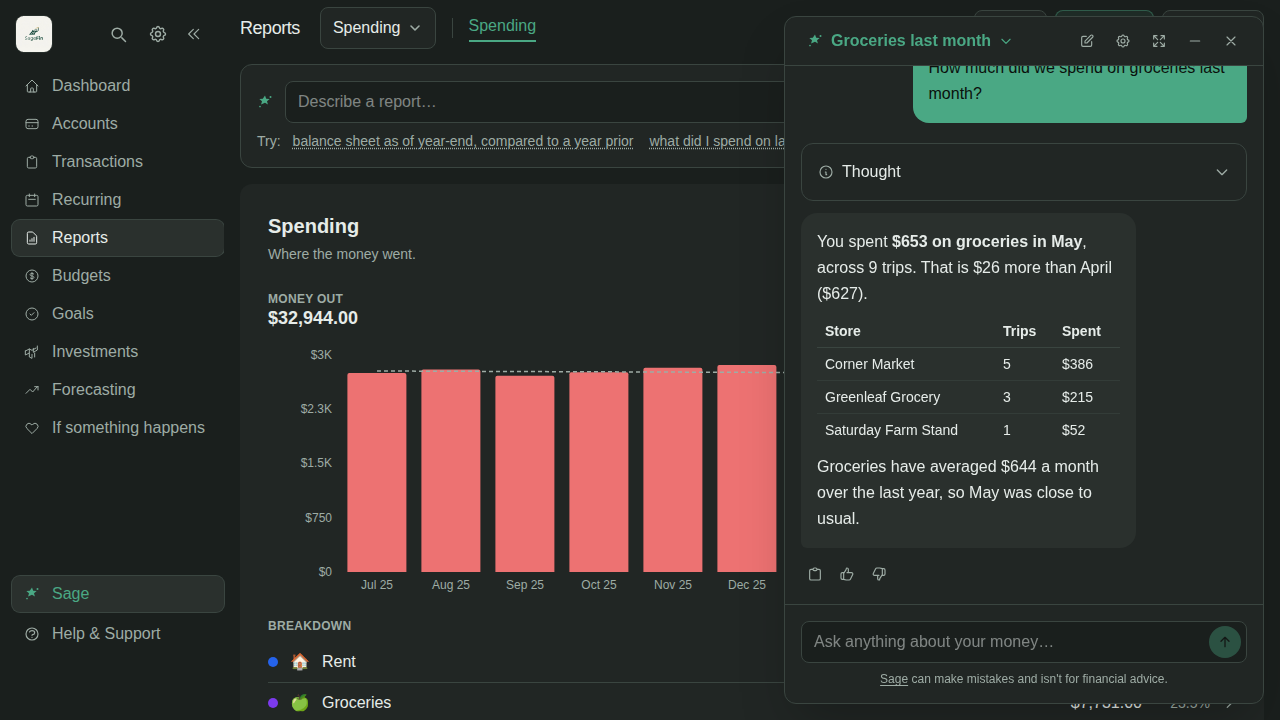
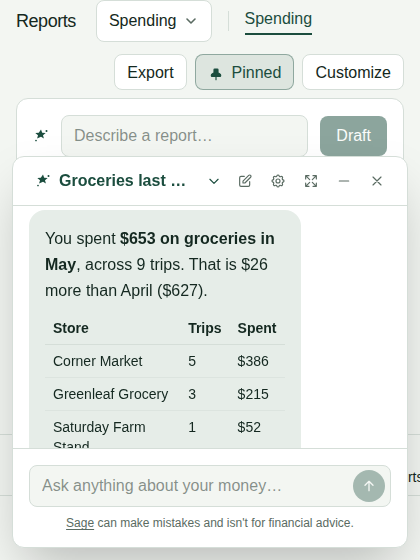
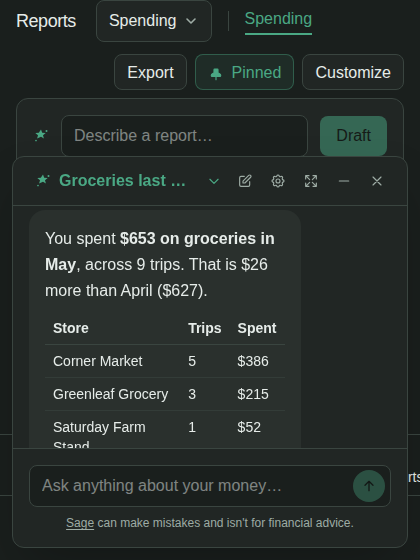
Ask a question. Get your own numbers back.
Sage is the assistant inside SageFin. Ask it anything about your money and it answers from your household's figures. It can read them. It cannot change them.
Rules
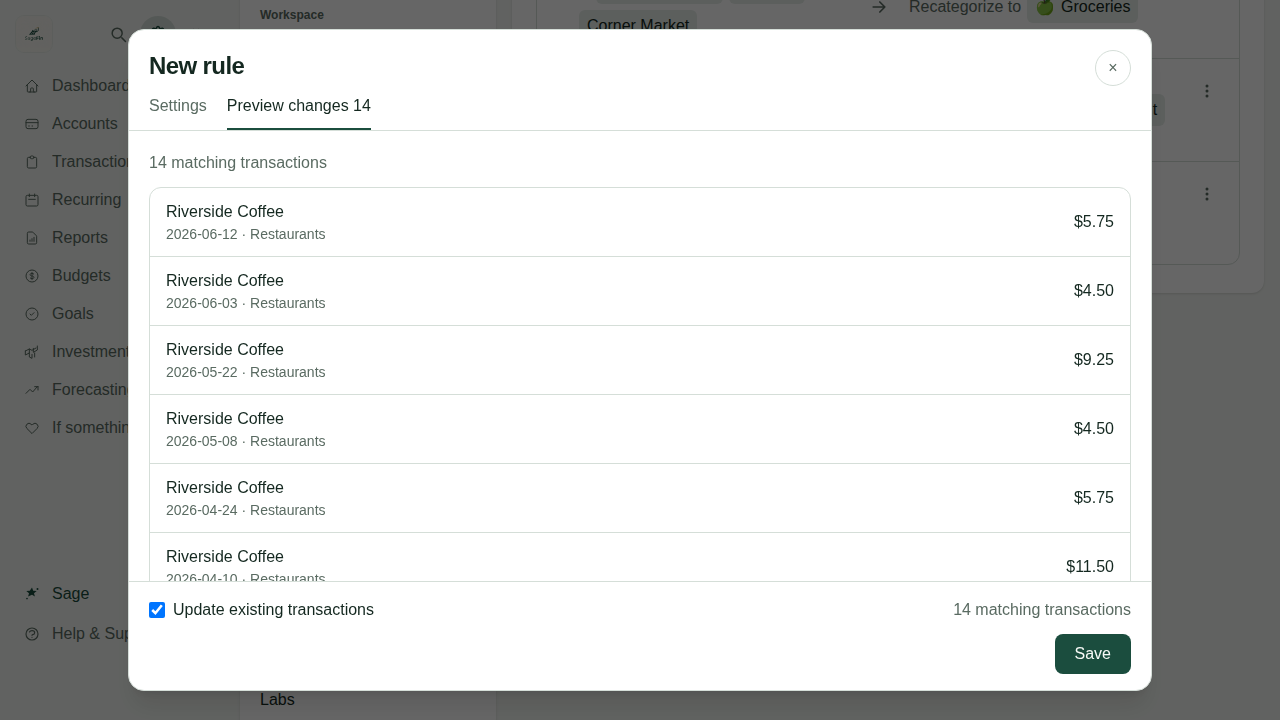
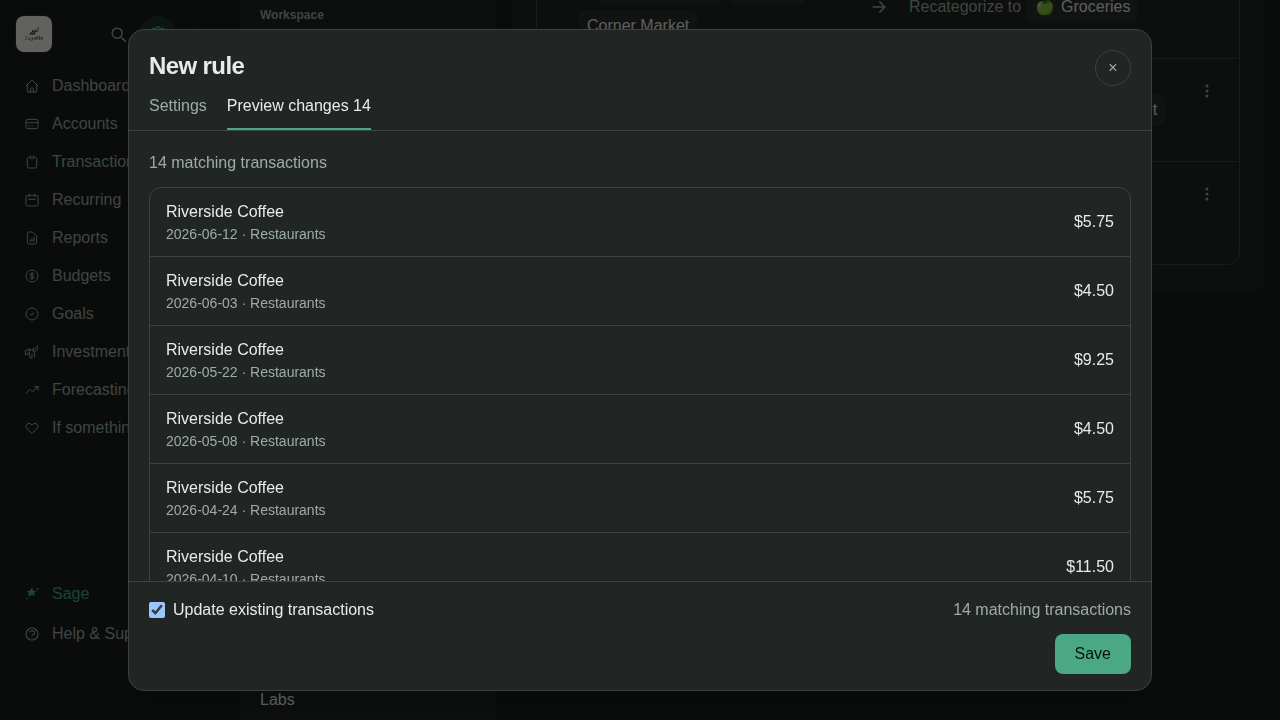
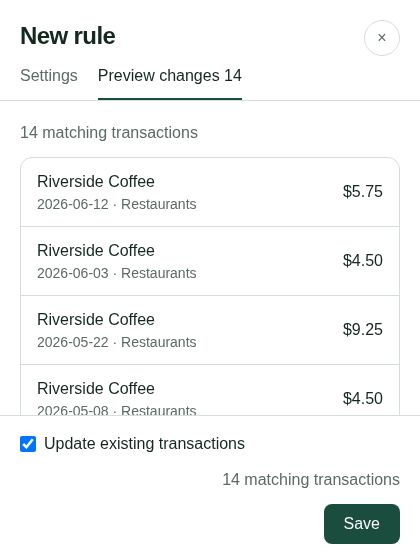
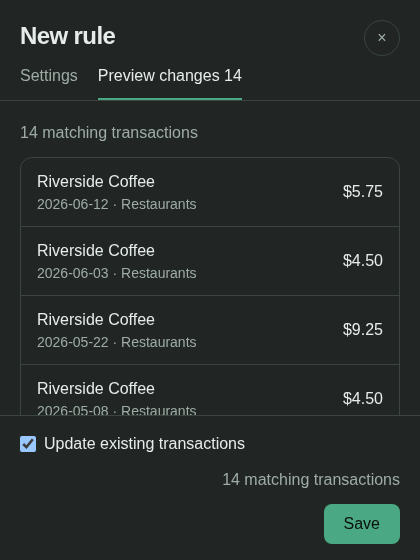
Describe a rule. SageFin writes it.
Type what you want in a sentence. You see every transaction it would change before you save. Categories and rules.
Reports
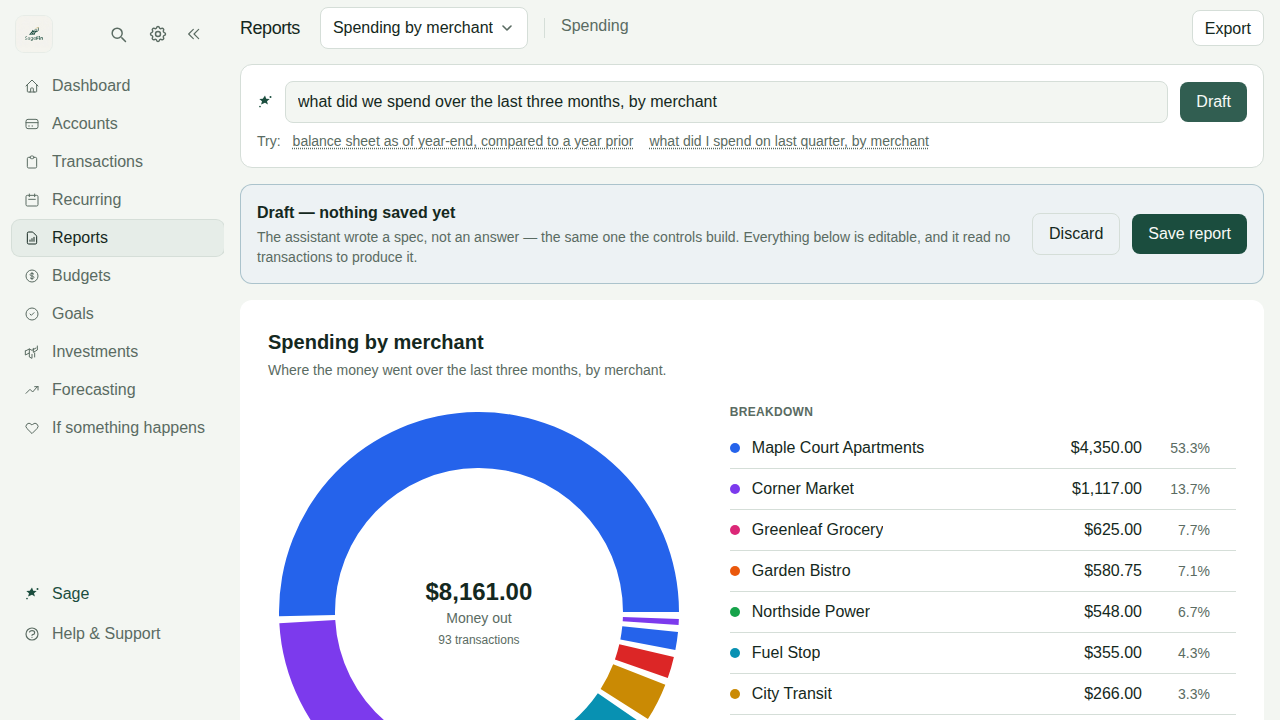
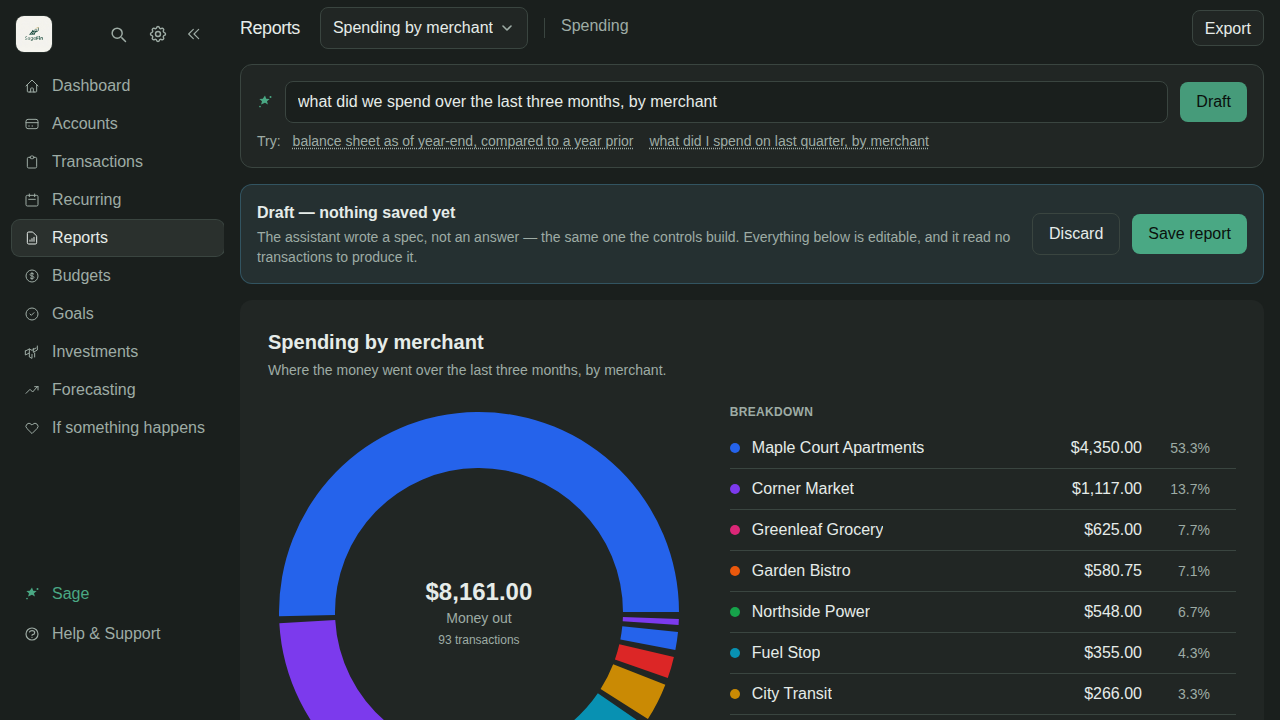
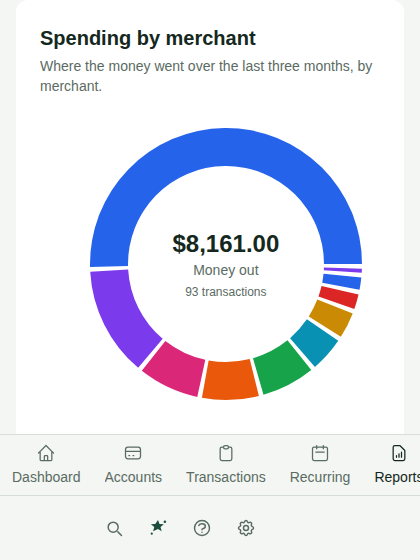
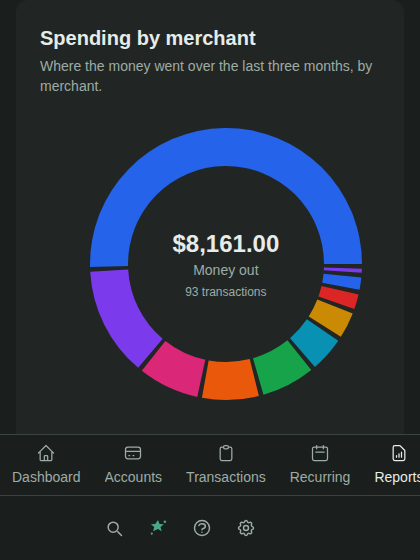
Describe a report. SageFin builds it.
Type the report you want. SageFin works out every figure itself, so the numbers are real arithmetic. Then change it and save it. Reports and cash flow.
On your terms
Bring your own AI.
Both of these are optional. SageFin works out of the box without either.
Your own AI
Use the AI you already have.
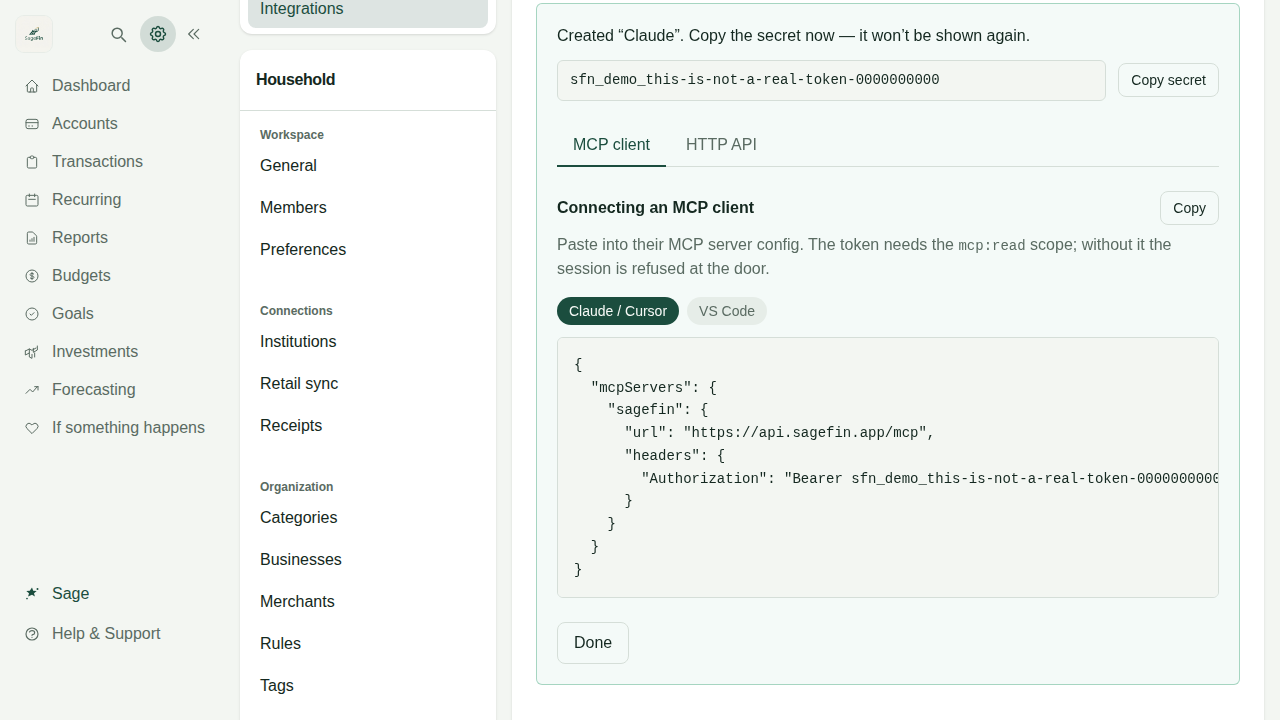
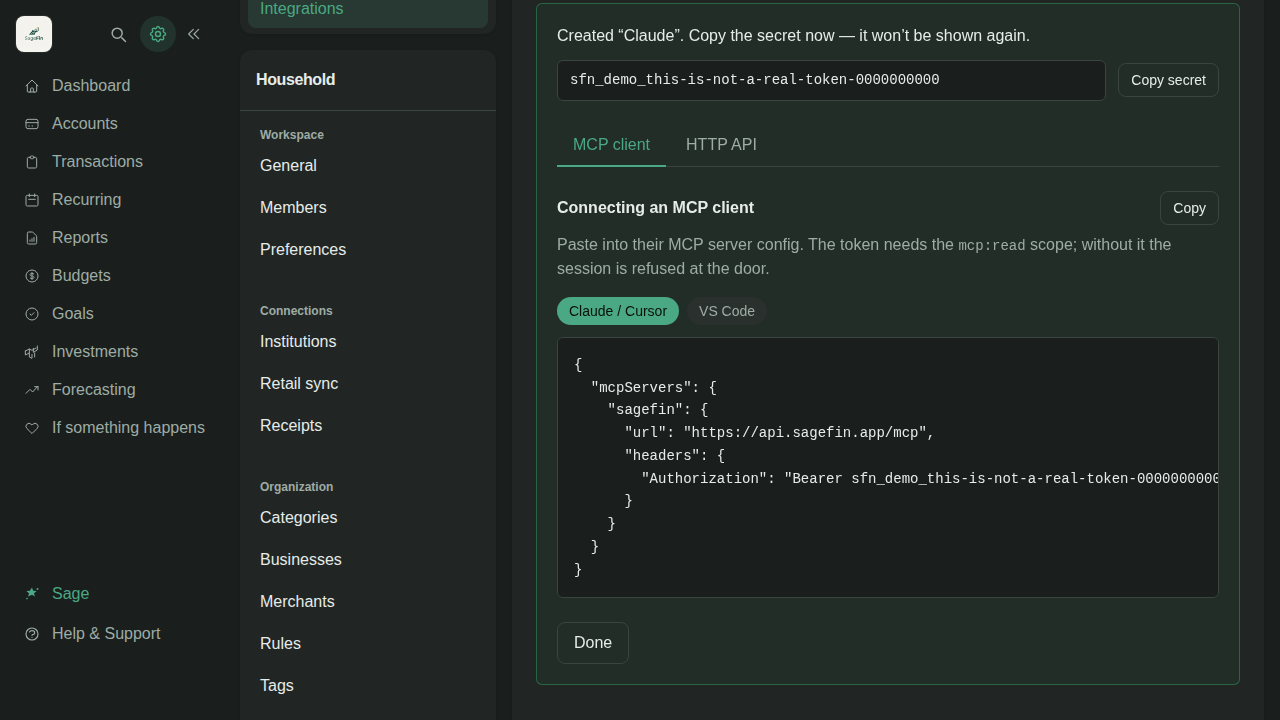
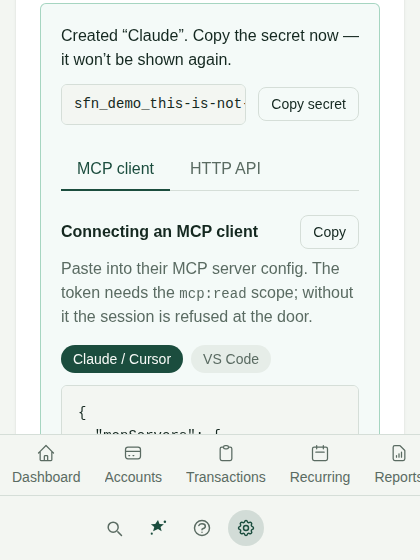
Connect Claude, Cursor or something you wrote. Ask it what you spent on October 1 and it answers from your SageFin data. Nothing connects until you create a token, and it is read-only unless you turn writes on. Connecting an AI app.
Your key, your model, your bill
A household's owner can give SageFin an API key for OpenAI, Anthropic, xAI or OpenRouter, and name the model. SageFin's AI then runs on that key, and that provider bills you. Nothing you type goes to our providers. One thing stays on our side: looking up a merchant's website, which sends only the merchant's name. Using your own AI provider.
The honest half
Whatever your provider or your AI app reads goes to that company, under its terms. Our privacy policy does not reach it. Worth a deliberate decision, so it is all written down here.
Spending that sorts itself
Your spending is sorted before you open the app.
Most of this happens between a charge arriving and you looking at it.
Sorted as it arrives
Every charge gets a category on its own. Four things can decide it: a rule you wrote, what SageFin has learned about that merchant, AI, or you. The first to answer wins, so a rule always beats a guess. How a category gets decided.
A rule makes a fix permanent
Fix a category once, then write a rule so it never comes back. Rules are tried in the order you put them in, and the first match wins.
Bills that repeat are found for you
Subscriptions and bills are picked out and put in front of you to confirm. Confirming is the point: a monthly transfer to savings is not a gym membership. Confirmed ones become a forecast of what is due. Recurring charges.
Budgets filled from what you spend
Your first budget is filled in from what you actually spent. You adjust numbers instead of inventing them. Recalculate later after a move or a job change. Budgets.
Receipts and retail orders
A charge becomes the things you actually bought.
One line on a bank statement is not a record of what you bought. These two make it one.
Forward a receipt and it is filed
Email one to [email protected]. The merchant, date, total and line items are read off it and matched to the charge. Everything it read is yours to edit. Emailing receipts in.
Retail orders, itemized
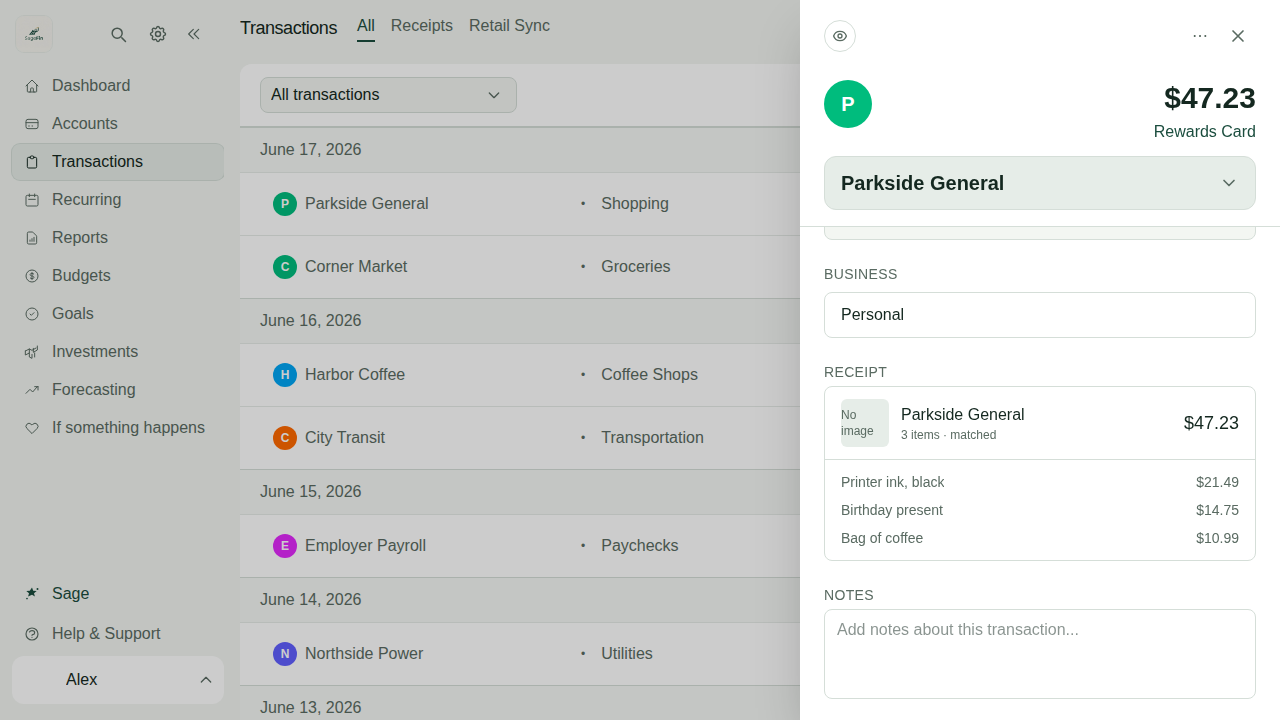
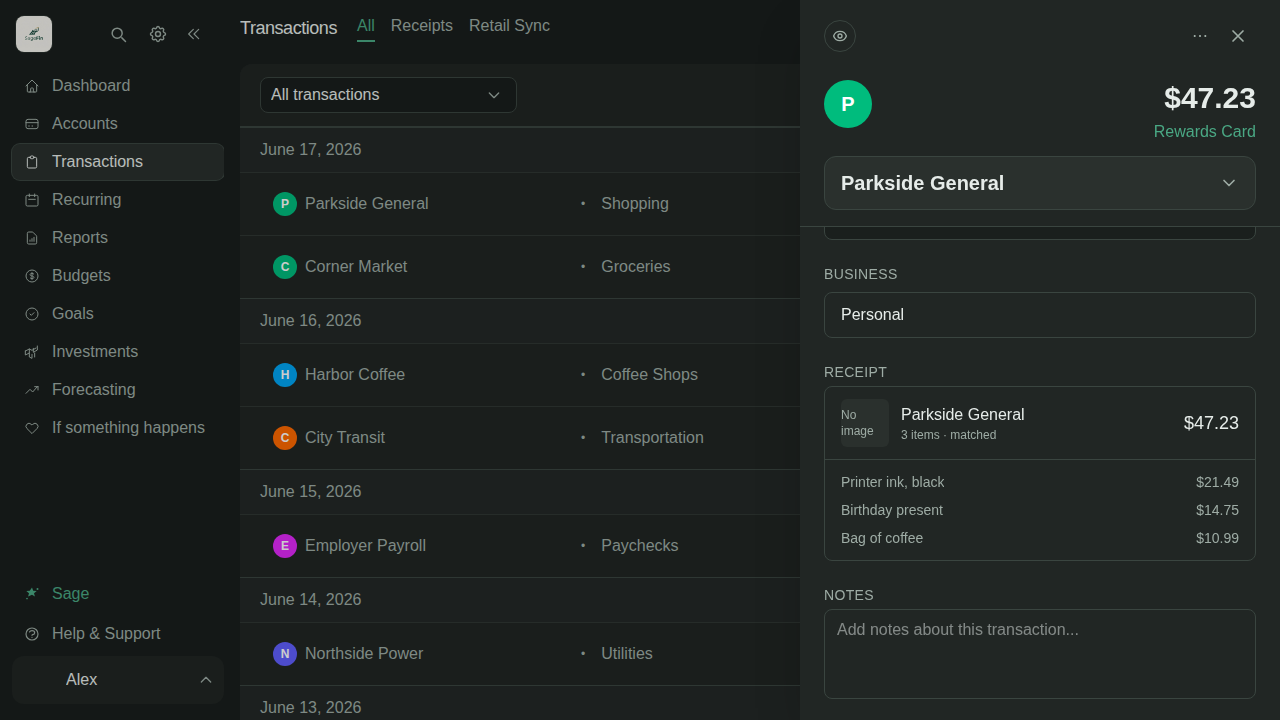
$47.23 at Amazon is not $47.23 at Amazon. It is printer ink, a birthday present and a bag of coffee. Amazon and Walmart orders reach SageFin from SageFin Desktop, an app on your own computer: you sign in to the retailer there yourself, and it reads your orders. Download SageFin Desktop. How retail orders reach SageFin.
If something happens
If something happens to you, your family is not locked out.
Most money apps assume you will always be the one opening them.
One page to hand over
Everything they would need, already written down.
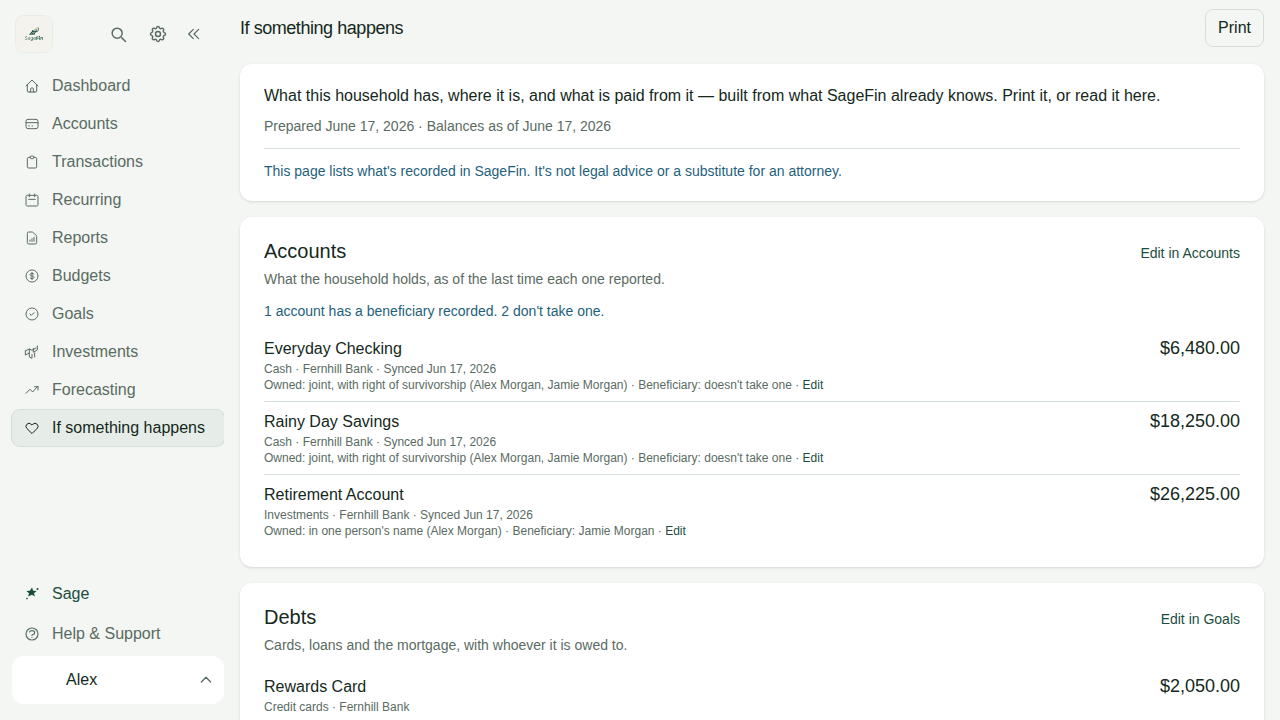
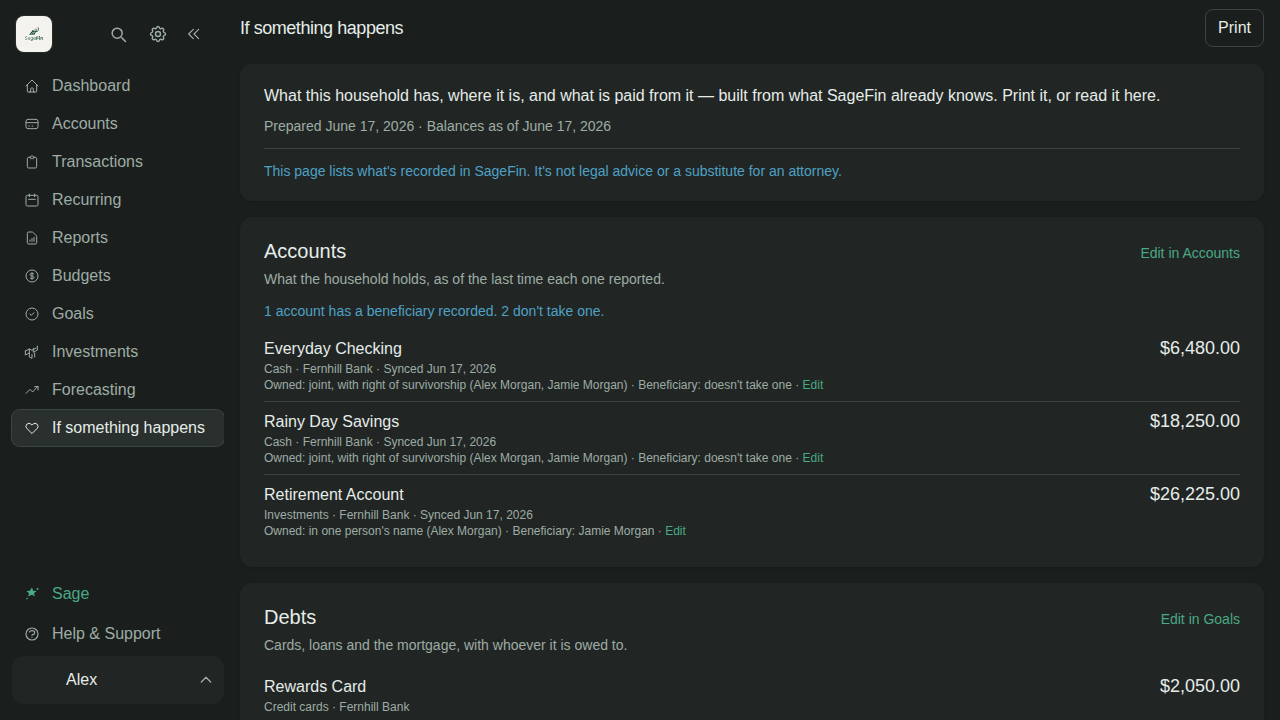
What you have, where it is, the debts, the bills to cancel, and where the will is kept. SageFin builds it from what it already knows, and you can print it. It is a record, not legal advice.
A beneficiary register
For each account, write down how it is owned, who owns it and who it goes to, with a backup if you have named one. Tick it off when you have checked it against the bank. SageFin does not read this from your bank or change it there. An account nobody has filled in says so, and never says it has no beneficiary. How the register works.
If the only owner dies
A member of the household can ask us to hand it over. We check a death certificate, email the owner's own address first, and wait seven days before making anyone an owner. How a handover works.
Privacy and security
Your bank credentials never reach us.
The short version is below. The long one is the privacy policy and what SageFin does with what it finds.
You sign in to your bank, not to us
Your credentials go into your data provider's own window. What SageFin gets is permission to read an account, never the means to sign in as you. Those connection tokens are encrypted where they are stored.
Our AI provider does not keep what we send
It does not train on our requests, and the zero-retention option is on, so nothing is kept for later review. That covers sorting, chat and the receipts a vision model reads. If you run SageFin on your own key, your provider's terms apply instead.
One thing is shared, and this is all of it
When SageFin finds a merchant's website, which is where its logo comes from, it remembers that match and reuses it for everyone. What is shared is “this merchant's site is example.com”. Not your amounts, not your dates, not that you shopped there. What it learns about your categories stays in your household.
It cannot move money, and does not ask to
SageFin reads. It cannot pay a bill, transfer between accounts or cancel a subscription. It also does not give financial advice. It tells you what you spent and what is coming, not what to buy.
And you can take it all back out. Settings → Data gives you one zip with your accounts, transactions, budgets, goals, rules, tags, businesses and receipts, images included. Narrower CSV exports too, if a spreadsheet is what you wanted.
Pricing
One price, and everything on this page is in it.
SageFin
Not open yet$12.99a month
or $99 a year, which works out at $8.25 a month.
- A 36-day free trial, with a card up front.
- No free tier.
- Nothing is held back for a higher price.
These prices are indicative and may change before launch. There is no waiting list and no date to give you yet.
Questions
The things people ask first.
Is my data safe?
Can I add an account SageFin cannot connect to?
Why is a transaction in the wrong category?
Why is my balance different from my bank's?
Does it work on my phone?
Can my partner and I share it?
Can I get my data out?
Can I delete my account?
Sign-ups are not open yet.
When they are, it will be $12.99 a month or $99 a year, give or take what changes before launch. There is nothing to join in the meantime. But the help center and the privacy policy are already public, and both describe the product as it actually is rather than as a page like this one would like it to be.